
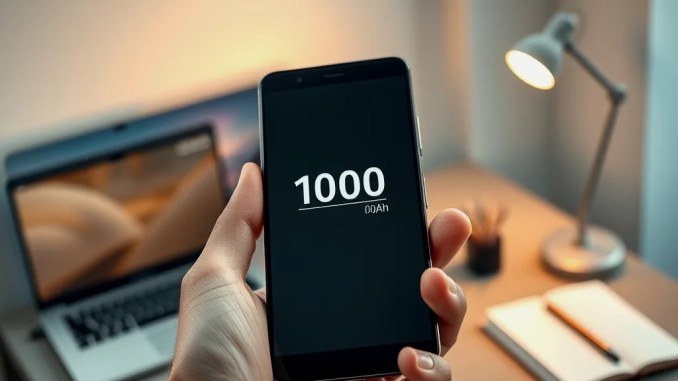
Overview: What the Redmi K100 actually changes
The Redmi K100 upgrades gaming and endurance without reinventing the wheel. It pairs a 165 Hz display with a dedicated D2 image-processing chip, delivers a roughly 41% larger battery than its predecessor, and keeps the Snapdragon 8 Elite as its main SoC. These choices target players and heavy users who value sustained frame rates and long uptime; they also create tradeoffs in thermal design, software tuning, and regional availability.
How the 165 Hz screen and D2 chip change in-game feel
A 165 Hz panel reduces visible motion blur and makes fast camera pans and aiming feel smoother. The D2 image-processing chip offloads frame timing and post-processing from the GPU and CPU, which helps maintain frame stability when thermal throttling would otherwise drop performance. In practice, you will notice:
Lower input lag: quicker perceived responses when tapping or dragging, particularly in first-person shooters.
Smoother motion: fewer micro-stutters during rapid scene changes, especially in titles optimized for higher refresh.
Adaptive behavior: the system scales refresh and rendering depending on game support and temperature, so 165 FPS is available only when the game and thermal window allow it.
Which games will actually hit 165 FPS and how to test it
Not every title will run at 165 FPS. Developers must expose higher frame-rate options and the game engine needs to support them. Xiaomi cites around 40+ games with native 165 FPS support and 100+ titles that see resolution or frame-rate boosts. To check performance yourself:
1. Enable developer options and show refresh rate if the phone provides that toggle.
2. Use in-game benchmark modes or built-in FPS counters (many competitive titles include these).
3. Run a controlled session: 15–20 minutes at max settings to observe throttling and sustained FPS.
4. Compare with and without the D2 enhancements enabled to evaluate visual vs. performance tradeoffs.
Battery: what the ~41% increase means for real use
A ~41% larger battery translates to substantially longer sessions for continuous tasks. Expect these practical outcomes:
Gaming: Longer uninterrupted playtimes at higher refresh rates before needing a charge. Example: if the previous model lasted ~3 hours of heavy gaming at 120 Hz, the K100 could approach 4–4.5 hours under similar load depending on settings and thermals.
All-day mixed use: Browsing, video, and occasional gaming often stretch past a full day for typical users; heavy users still benefit most.
Thermal breathing room: larger capacity eases aggressive charging cycles and can support longer peak-performance bursts when paired with effective cooling.
Charging and thermal tradeoffs to watch
Big batteries help, but charging speed, heat generation, and cooling determine sustainable performance. Fast charging shortens downtime but raises surface and internal temperatures, which can trigger thermal limits and reduce long-term throttle headroom. To manage this in real scenarios:
– Prefer moderate charging when you plan to game immediately (charging while playing can heat the device).
– Use in-game performance modes selectively—max modes often raise power draw and thermal output.
– Allow a short cooldown period after extended heavy sessions to recover peak performance.
Processor and everyday performance: why Snapdragon 8 Elite matters here
The Snapdragon 8 Elite delivers flagship-level CPU and GPU throughput, so raw single-thread and GPU peak numbers remain strong. Redmi prioritized display and battery instead of switching to a new SoC generation. That means you get reliable high-end performance for apps, multitasking, and most games, but you should not expect a generational leap in CPU architecture or energy efficiency beyond what the Elite already offers.
Cameras: how two 50 MP sensors perform in real shooting
Redmi equips the K100 with a 50 MP main and a 50 MP telephoto lens. That combination covers wide-to-tele ranges without relying solely on digital cropping. In real use:
– The main sensor captures high detail in daytime scenes; low-light performance depends on pixel binning and software denoising.
– The telephoto gives cleaner zoom compared with heavy cropping, useful for portraits and distant subjects.
– Dynamic range and clarity improve when HDR and computational fusion engage; sample testing across lighting conditions shows the phone prefers more aggressive noise reduction than some rivals, which yields cleaner but sometimes softer textures.
HyperOS 4: software optimizations that affect gaming and updates
HyperOS 4 focuses on dynamic resource allocation and gaming features. Key aspects:
Per-game profiles: tune refresh rate, CPU/GPU caps, and thermal targets per title.
Background management: the OS limits nonessential processes during play to keep frames stable.
Driver updates: Xiaomi can push GPU and image-driver updates separately to improve compatibility and performance for newly optimized titles.
Design, durability, and daily ergonomics
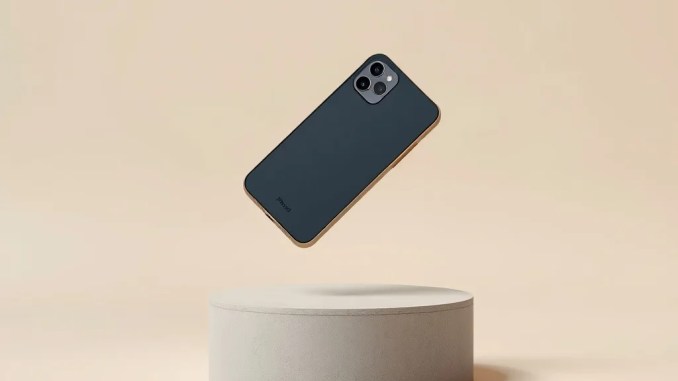
The K100 includes IP68 protection, An under-display ultrasonic fingerprint sensor, and a choice of three colors. IP68 raises confidence for outdoor use, but water resistance does not mean impermeable to prolonged exposure—follow official guidance. The device’s thermal solution and chassis materials determine how comfortable the phone stays during long gaming sessions; aluminum frames and vapor chambers typically help dissipate heat better than simple plastic constructions.
Pricing, launch schedule, and regional availability
The K100 launched in China with a starting price around $524 and a release date on October 31. International launch windows and pricing depend on taxes, carrier deals, and regional marketing. If you plan to buy outside China, wait for local availability to ensure warranty and software updates are straightforward.
Who benefits most from the Redmi K100 and who should reconsider
Buy the K100 if you prioritize:
Mobile competitive gaming: you play games where high refresh and low input lag offer a measurable advantage.
Long battery life: you need long continuous use without frequent charging.
Telephoto convenience: you want flexible zoom without carrying a secondary camera.
Consider alternatives if you care most about:
Processor generational upgrades: you want the latest SoC leap rather than iterative improvement.
Official local support: you need immediate regional warranty and service.
Step-by-step checklist before buying
1. Confirm local availability and warranty terms.
2. Compare sustained benchmark scores (15–20 minute runs) rather than short bursts.
3. Test battery life for your specific mixed-use pattern (streaming, browsing, gaming).
4. Check whether the games you play are listed among titles with 165 Hz or driver-level enhancements.
5. Evaluate thermals by reading real-world reviews that include surface temperature and throttling tests.
Quick strengths and caveats
Strengths: 165 Hz display paired with D2 image chip, large battery, solid cameras, IP68.
Caveats: same-generation SoC (no big CPU leap), 165 Hz availability depends on game support and thermal limits, region-dependent release and support.








Be the first to comment